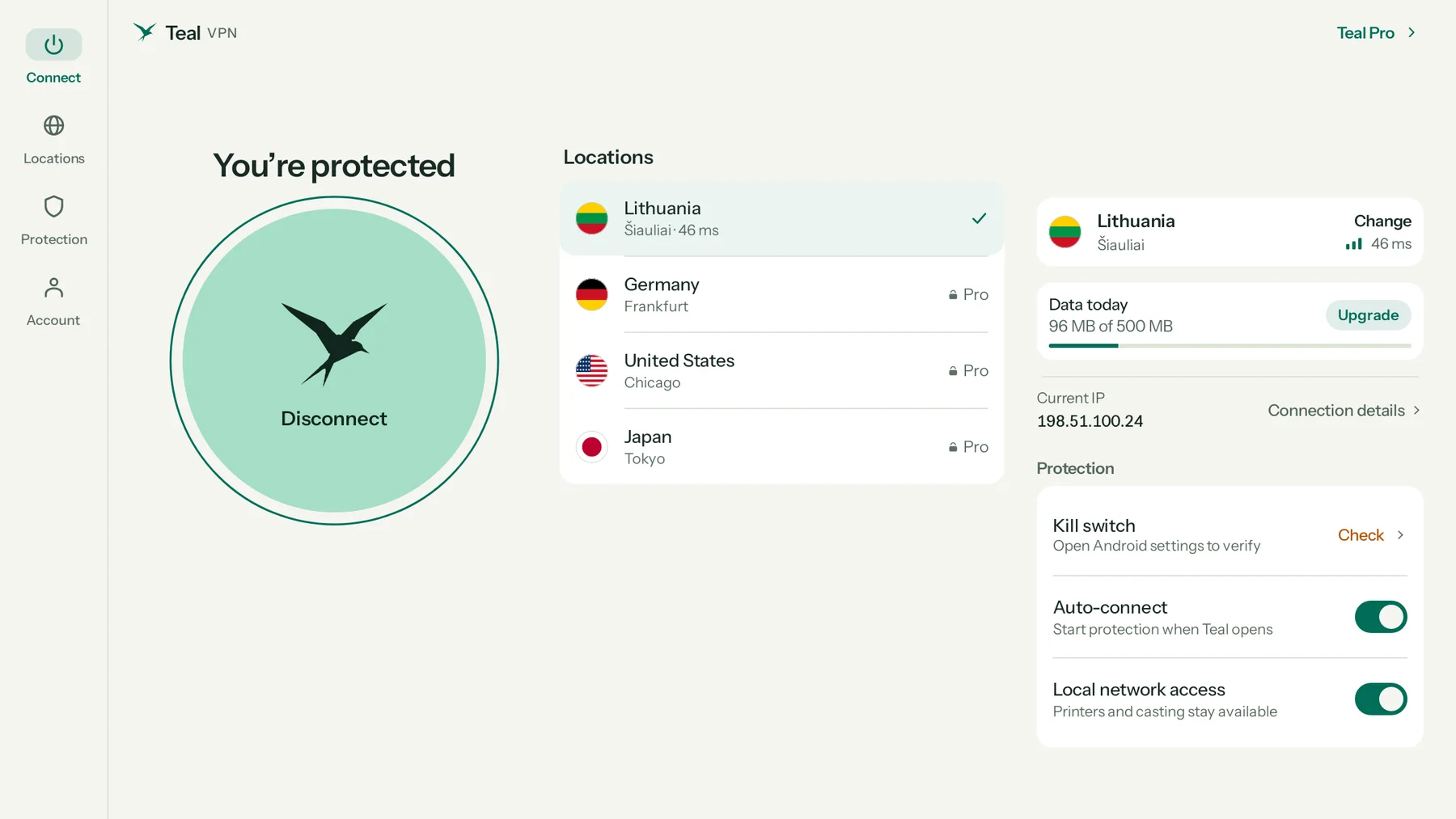
Made for the laptop screen
Everything on one page.
Connect on the left, every location in the middle, your connection and protection on the right. Resize the window and Teal adapts; make it small and it becomes the compact phone layout.
Teal VPN for Chromebook
Install Teal VPN from Google Play and your whole Chromebook goes private: Chrome, Android apps and web apps. One click to connect, 500 MB free every day, and it works on strict networks.
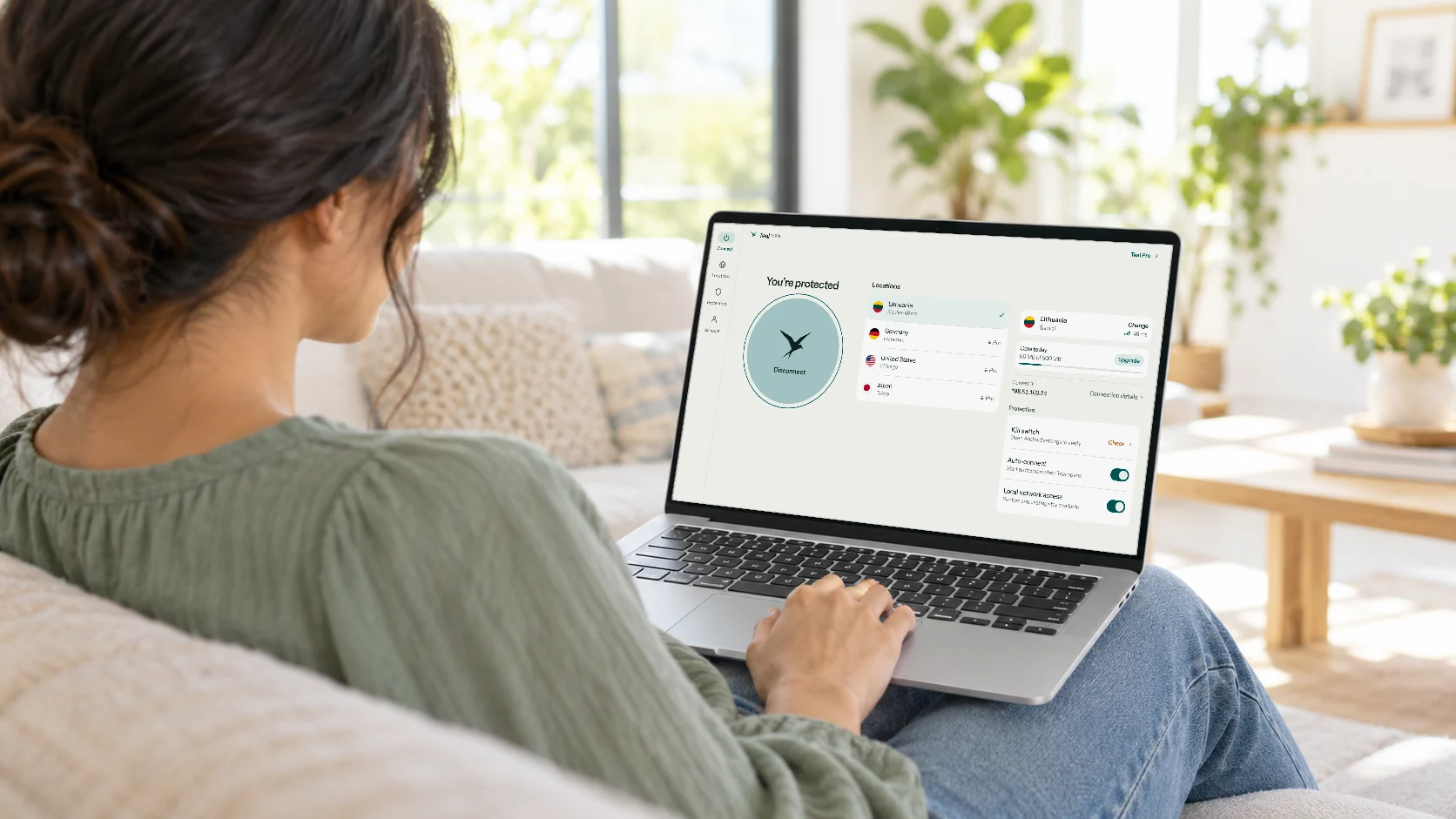
Made for the laptop screen
Connect on the left, every location in the middle, your connection and protection on the right. Resize the window and Teal adapts; make it small and it becomes the compact phone layout.
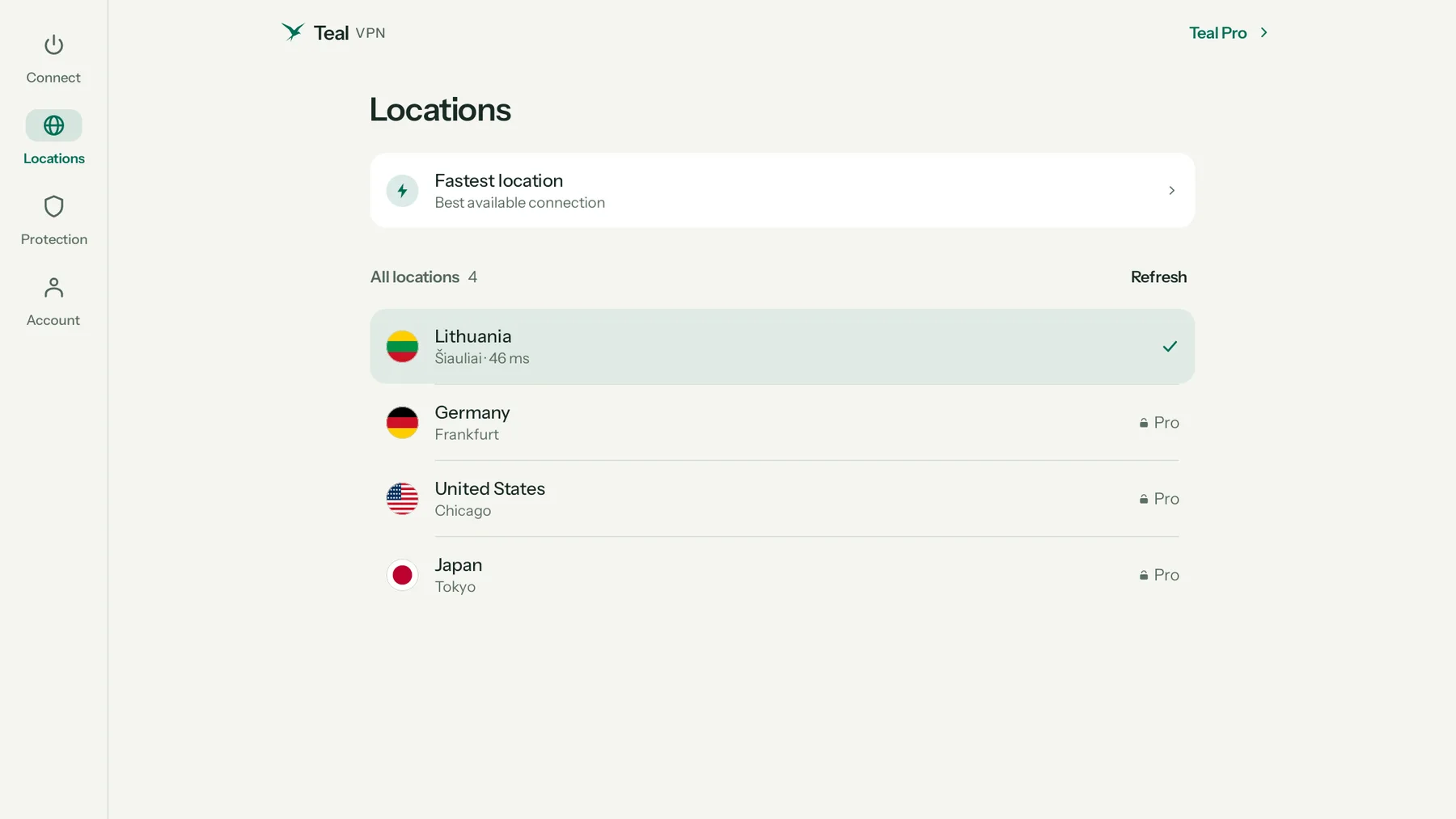
Your whole Chromebook
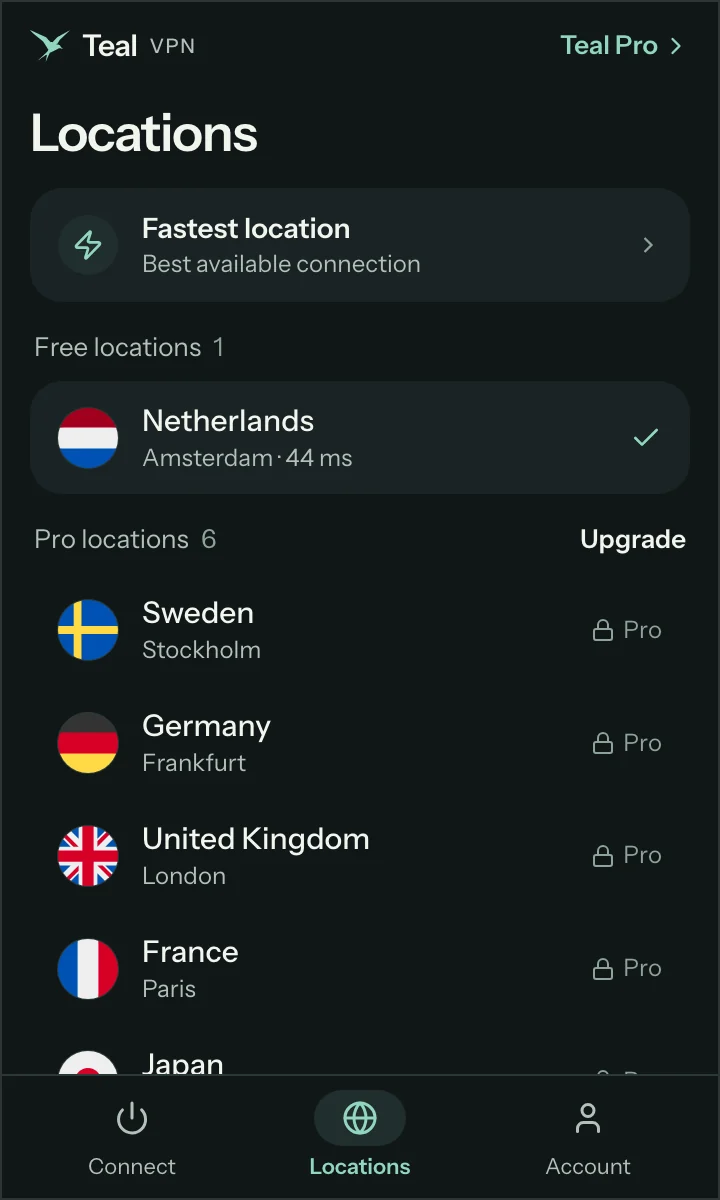
Teal works as the Chromebook’s VPN, so the Chrome browser, Android apps and web apps all go through it. Pick a country with one click; Lithuania is free, Teal Pro opens them all.
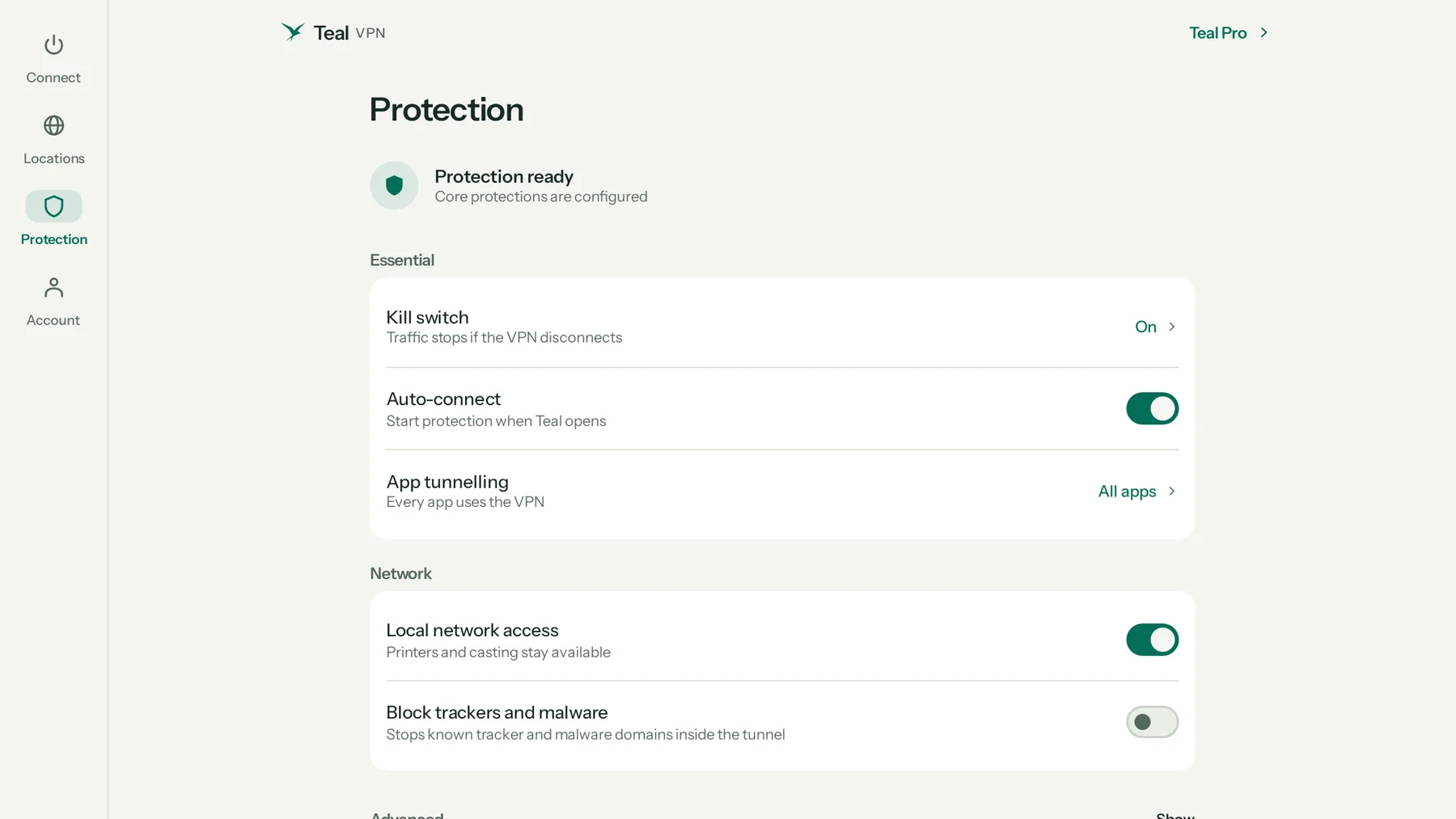
Protection
Check the kill switch, turn on auto-connect, keep printers and casting reachable, and block tracker and malware domains. Mouse, touchpad and keyboard all work: Esc closes a page, Enter sends.
Everything between your Chromebook and our server is encrypted. On café, hotel or airport Wi-Fi, the network sees only an encrypted stream.

Websites see a Teal VPN server’s address instead of yours. Pick any location in one click.

We count how much data you use, never what you do with it. Your connection address is not stored.
Built for networks that block VPNs. If one route is closed, Teal VPN quietly tries another.
Plans
One account works on every Teal device.
Best value · Save 62%
1 year
$3/month
$36 billed yearly
30-day money-back guarantee
Save 50%
6 months
$4/month
$24 billed every 6 months
30-day money-back guarantee
Flexible
1 month
$7.99/month
Billed monthly, cancel any time
30-day money-back guarantee
Teal Free
500 MB every day, for as long as you like. Lithuania, up to 2 devices, no ads, no browsing logs.
$0forever
Start with Teal FreeTeal Free
Teal Pro
From $3 a month, billed yearly (US price; local prices vary)
30-day money-back guarantee. Buy and cancel any time.
Their own pages, read on 18 October 2026. Where they beat us, it says so.
Swipe sideways to see every brand.
| Feature | Teal VPN | Proton VPN | NordVPN | ExpressVPN | Surfshark |
|---|---|---|---|---|---|
| Free plan | 500 MB every day, no ads | 1 device, slower, random countries | None | None | None |
| Works on networks that block VPNs(3) | Built in, on every connection | An extra mode to switch on | An extra mode to switch on | An extra mode to switch on | An extra mode to switch on |
| Same price when it renews(1) | $36 every year | €3.49 a month becomes €6.99 | Intro price for the first term | Intro price for the first term | Intro price for the first term |
| No ads, no selling your data | Never | Never | Never | Never | Never |
| Devices on the paid plan | 10 on the yearly plan | 10 | 10 | 14 | Unlimited |
| Locations | 14 cities, 3 continents | 140+ countries | 225+ locations | 113 countries | 100 countries |
| Owned by(2) | Fxolio LLC, independent | Proton AG | Nord Security | Kape Technologies | Nord Security |
| Get started | Get Teal Pro |
(1) Proton VPN’s pricing page, 18 October 2026: €83.76 for the first 24 months, then €83.88 every 12 months. NordVPN, ExpressVPN and Surfshark advertise a discounted price for the first term; their regular price applies after it. Teal Pro is $36 every year. (2) As published by the companies themselves. (3) Teal VPN takes its routes for networks that block VPNs on every connection, without a setting; the four others offer it as a mode to switch on (Stealth, obfuscated servers, NoBorders), and their apps are blocked in several countries. Found something out of date? Write to support@tealvpn.com.
Every price, renewal and money-back guarantee, 8 VPNs side by side
Getting started
Open the Play Store on your Chromebook and search “Teal VPN”, or use the button on this page.
Continue with Google or with your email. Free accounts take a minute.
The first time, ChromeOS asks once if Teal may set up a VPN. Choose OK.
No Google Play on your Chromebook, or you only need the browser? Add Teal VPN to Chrome from the Chrome Web Store, sign in with the same account, and click Connect. It covers the Chrome browser only.
Add to ChromeAbout the Chrome extensionIf you use Linux on your Chromebook, Linux apps don’t go through Teal. Chrome, Android apps and web apps do.
A Chromebook managed by an organisation may block VPN apps, extensions or Google Play. Ask your administrator.
To stop anything leaving without Teal, turn on Always-on VPN for Teal in the Chromebook’s network settings. Teal’s Check button opens the right place.
Your plan belongs to your account, so the same sign-in works on your phone, TV and Chromebook.
Questions
Yes. Teal Free works on Chromebooks with 500 MB of data every day, the Lithuania location and up to 2 devices, with no payment details.
Yes. Teal installs from Google Play and runs as the Chromebook’s VPN, so Chrome, Android apps and web apps all go through it. Linux apps are the exception.
Install Teal VPN from Google Play on the Chromebook, sign in, and click Connect. ChromeOS asks once whether Teal may set up a VPN; choose OK. From then on one click connects, and Chrome, Android apps and web apps all go through it.
No. Teal VPN installs from Google Play, so the Chromebook needs Google Play. Most Chromebooks made since 2017 have it; some managed devices have it turned off.
The Google Play app, when your Chromebook has Google Play: it protects the whole Chromebook, Chrome, Android apps and web apps. The Teal extension from the Chrome Web Store protects the Chrome browser only; use it when Google Play is turned off or you only need the browser. Both use the same Teal account and plan.
Teal Free is 500 MB a day with the Lithuania location. Teal Pro is $36 a year ($3 a month), $24 for six months or $7.99 a month: unlimited data and every location, with a 30-day money-back guarantee. The same plan covers your phone and computers.
Teal is built for networks that block VPNs: its connection looks like ordinary secure web traffic, and if one route is closed the app tries another by itself. No VPN can promise every network, so check the rules of the network you use.
Only if whoever manages it allows Google Play and VPN apps or extensions. Managed Chromebooks often block them; ask your administrator.
Yes. Your plan belongs to your account, and the Chromebook counts as one of its devices.
Start free with 500 MB every day.